
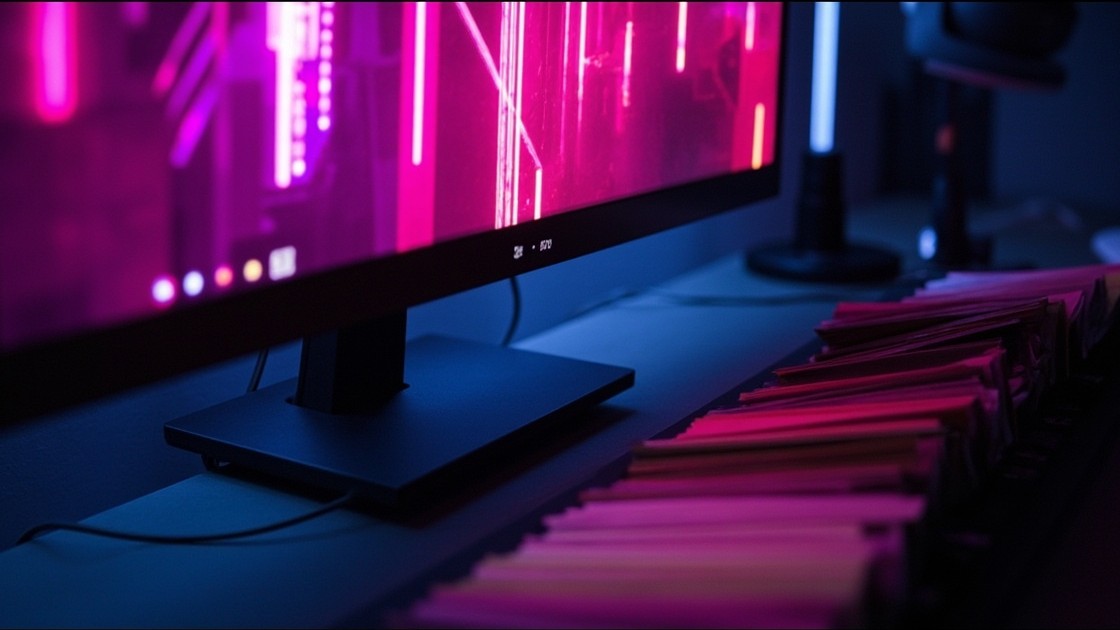
A tinct palette can already come from a text prompt, not only from a wallpaper, a photo or a remote theme: it has generative inputs for Google GenAI and OpenRouter already. v0.4.0 adds a third, minimax, which generates an image from a prompt through MiniMax's Hailuo model (image-01) and then extracts the palette the usual way, k-means over the pixels. What it brings to the line-up is being cheap and fast: a single image model, nothing to choose, and a quick endpoint.
The nice part is that it's one step, not two. The same tinct generate call that derives the palette also caches the generated image and exports it as a wallpaper, so a single command turns a prompt into a coherent desktop and the wallpaper that matches it:
export MINIMAX_API_KEY="…"
tinct generate -i minimax \
  --ai.prompt "cyberpunk city street with neon signs at night" \
  -o hyprland,hyprpaper,kitty
Generated images are cached under ~/.cache/tinct/generated/minimax/, keyed by a hash of the prompt and model, so re-running the same prompt is free. One wrinkle worth a fix: MiniMax occasionally pads its output with black letterbox bars, which would skew both the extracted palette and the wallpaper, so the plugin trims them before either step.
It's a small addition, another generative backend sitting alongside Google and OpenRouter, so you can pick whichever provider suits your budget and taste and still theme straight from a prompt. AUR tinct-bin; the full input-plugin list is on the tinct site.