
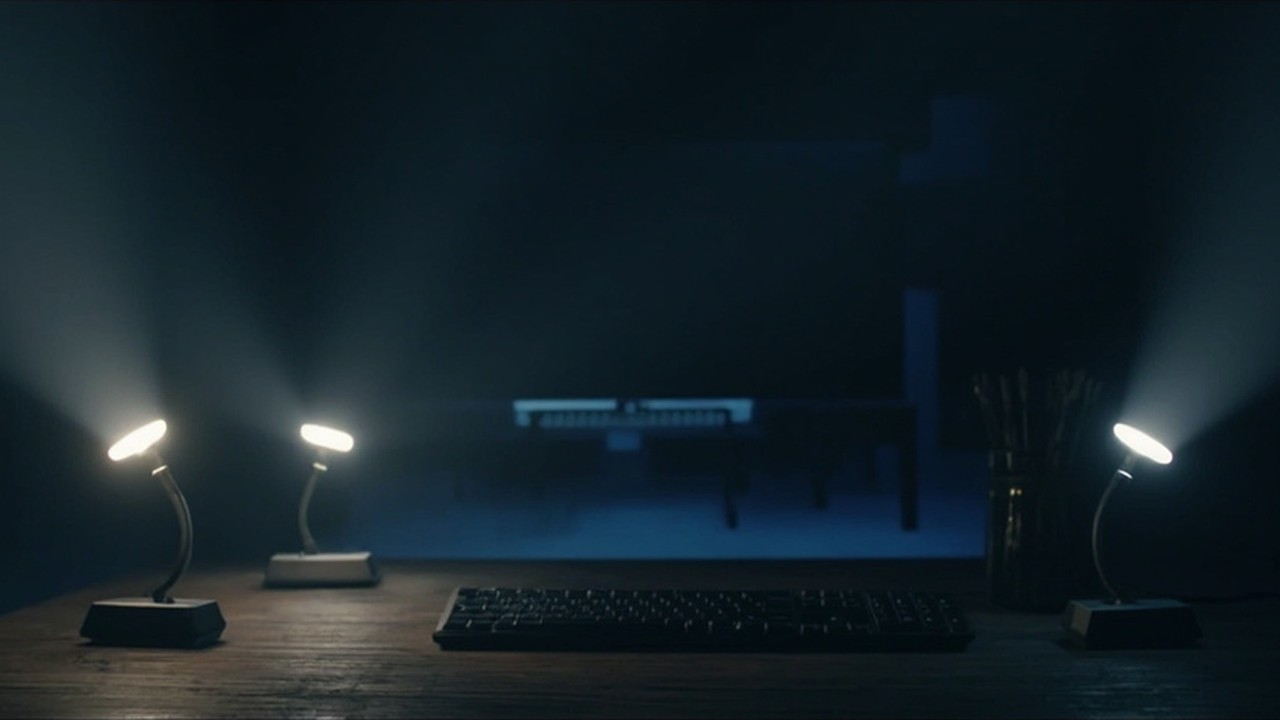
I have a couple of Elgato Key Lights, and controlling them was always slightly worse than it should be. A phone app, or a hard-coded IP in a script that broke the next time DHCP felt creative. And because there are two of them, every adjustment was really two adjustments: two sliders, remembering which app entry was the left light and which was the right, nudging both and watching them drift out of step. What I actually wanted was to stop thinking of them as two lights and treat them as one: group them, and change them together. The lights speak a perfectly good HTTP API; what was missing was something to find them, remember them, group them, and give me a clean way in.
So I wrote keylightd, a small Go daemon that owns the lights so nothing else has to.
The daemon does three things. It discovers Key Lights on the network over mDNS, so there are no IP addresses to hard-code: plug a light in and it appears. It lets you put lights into named groups and drive a group as one unit, so the two lights either side of my desk turn on together, dim together and stay in step. Each light is still addressable on its own when you want it, but day to day I never touch them individually; "turn the office on" is one command and both come up matched. And it exposes that control through whichever interface suits the caller:
- a CLI (
keylightctl) talking to the daemon over a low-latency Unix socket; - a REST API with token auth and an auto-generated OpenAPI spec, for anything remote or scripted;
- a small client library so Go programs can skip the wire format entirely.
keylightctl group add Office
keylightctl group set Office on true
keylightctl group set Office brightness 40
The point of a daemon, rather than a pile of curl one-liners, is that there's one thing that knows the current state, survives a light dropping off the network, and presents the same view to a script, a desktop applet or a status bar. Everything else stays thin and just asks the daemon.
Because the control point is just keylightctl (or the API), the lights slot into whatever automation you already have. The one I keep meaning to wire up properly: turn the key lights on when the webcam does. keylightd doesn't need to know anything about that; watch for the camera device opening, or a specific app launching, and call keylightctl group set Office on true. I did try building the webcam-detection in natively, but "is the camera in use" is maddeningly sporadic across environments (different stacks, different permission models, PipeWire versus v4l2 versus whatever the app decides to do), so I left it as a hook for you to script rather than a half-working feature pretending to be reliable. If you've wired something like this up, driving the lights off some local condition, drop an issue on the repo; I'd genuinely love to hear how.
It's day one and deliberately small. Repo and docs on GitHub; desktop control and a proper typed API come next.