
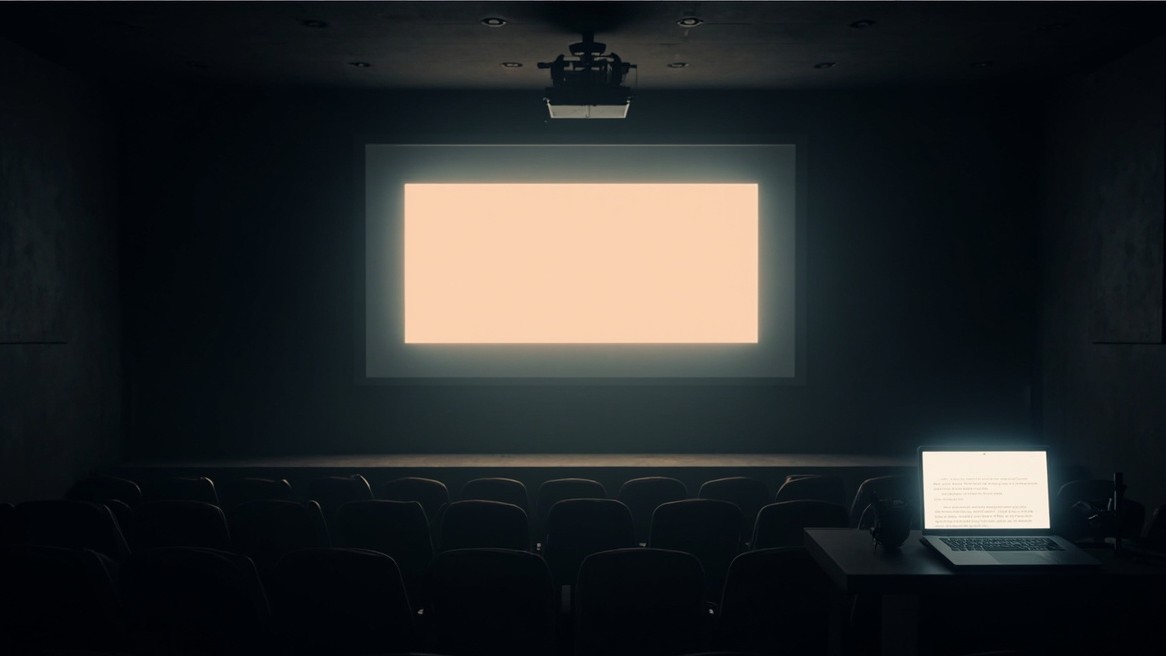
This one is a bit of an experiment. A blog post and a short talk are often the same material, just delivered differently, and people take things in differently too: some will read a post, some would rather sit through a handful of slides. I wanted to see whether one document could be pulled into more than one medium without any significant rewriting. colophon can now do exactly that: a post projects itself into a themed deck, published at /<slug>/slides/ and linked from its Downloads box, with the deck derived from the post rather than maintained beside it. This post is one: open the Slides link and present it.
One document, more than one medium
- The same material, read or presented
- No second copy to keep in sync
- The deck updates when the post does
A post and a short talk are usually the same argument dressed for a different room, so keeping them as one source, with the deck derived from it, means there's nothing to rewrite and nothing to drift. The post stays the source of truth and the deck is just a view of it. That was the experiment, and so far it seems a useful one.
Turn it on
# colophon.yaml: the site default (off, here)
slides:
  enabled: false
# any post: opt in, in the frontmatter
slides: true
The site sets the default and each post overrides it by key, so a single key you set wins and the rest is inherited. On this blog decks are off in production by default, so a post asks for one on purpose. That is the whole setup: one line of frontmatter and the post grows a deck.
What becomes what
flowchart LR
  P["The post"] --> S["Headings: slides"]
  P --> N["Prose: presenter notes"]
  P --> B["Code, images, tables, maths, diagrams: on the slide"]
- Headings split the deck into slides
- Paragraphs drop into the presenter notes
- Everything else stays on the slide: code, images, tables, maths, diagrams, callouts, pull-quotes
Here is the rule that keeps a slide readable: a paragraph is narration, so it lands in the notes and never on the slide itself. If you want something on the slide, make it a bullet, a code block, a quote, or an image. Write the post the way you always would and the split falls out of it.
Where the breaks go
slides:
  enabled: true
  split: [h2]        # h2 opens a slide; h3 and deeper fold into bullets
- Heading levels:
h1throughh6 - Structural:
hr,splitslide - Block kinds:
image,table,code,math,diagram,audio,video text:<match>: break before a block whose text starts with the match
By default every heading opens a new slide. Narrow it with split when you'd rather fold the deeper headings into bullets. This post sets split: [h2], which is exactly why each of these sections is its own slide.
Three inline markers
<splitslide>forces a break mid-section<slide>…</slide>makes one verbatim slide<noslide>…</noslide>keeps content in the post but out of the deck
These mirror the <tts> family, and they're escape hatches rather than the main event. I reach for <noslide> most: a Related list or a long aside earns its place in the post but would only clutter a deck. The slide just below is a real <slide>, not a screenshot of one.
Sometimes a slide should be a single line and nothing else. <slide> gives you exactly that, verbatim.
Present it, or read it
- ← / → or swipe to move
- P presenter notes, F fullscreen
- Enter plays the slide's media, Esc closes the deck
With JavaScript it's a keyboard-and-swipe presentation. With JavaScript off, the very same file reads as a long-form document, the slides simply stacked as sections. There's no separate export and no PDF to email round, and it degrades to something useful rather than a blank frame.
On in preview, off in prod
environments:
  - name: preview
    slides: { enabled: true }    # decks on while I'm drafting
  - name: production
    # inherits the site default (off)
A talk is rarely ready the moment the post is. An environment can override the slides default, so the deck rides along on the preview deploy while it's still coming together, and only switches on in production once it's actually any good.
Write the talk once. Let the deck be a view of it, not a second copy.
Related
- A Colophon Blog on Cloudflare Pages and R2: where this blog, and the build that now derives these decks, were first set up.
- ElevenLabs Voices and Pronunciation Dictionaries: another thing a post grows on its own, a spoken reading.
- Wiring the Blog into the IndieWeb: more derived-from-the-post plumbing, feeds and webmentions.